Make Your Photo Lighter & Better
Perfect for online stores, Instagram, and marketplaces. Optimize your images without losing quality.
Optimize Your PhotoFree • No signup required
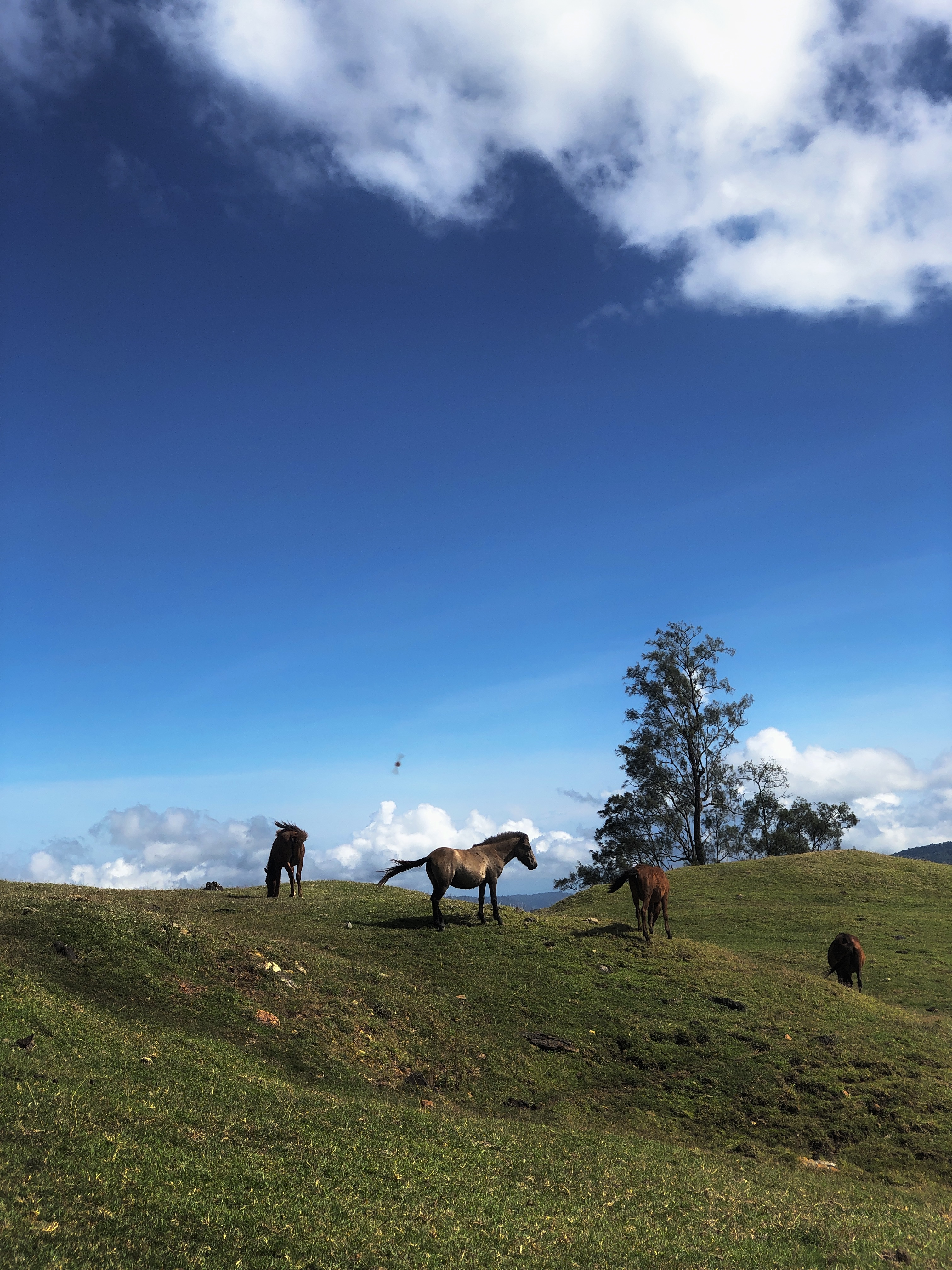
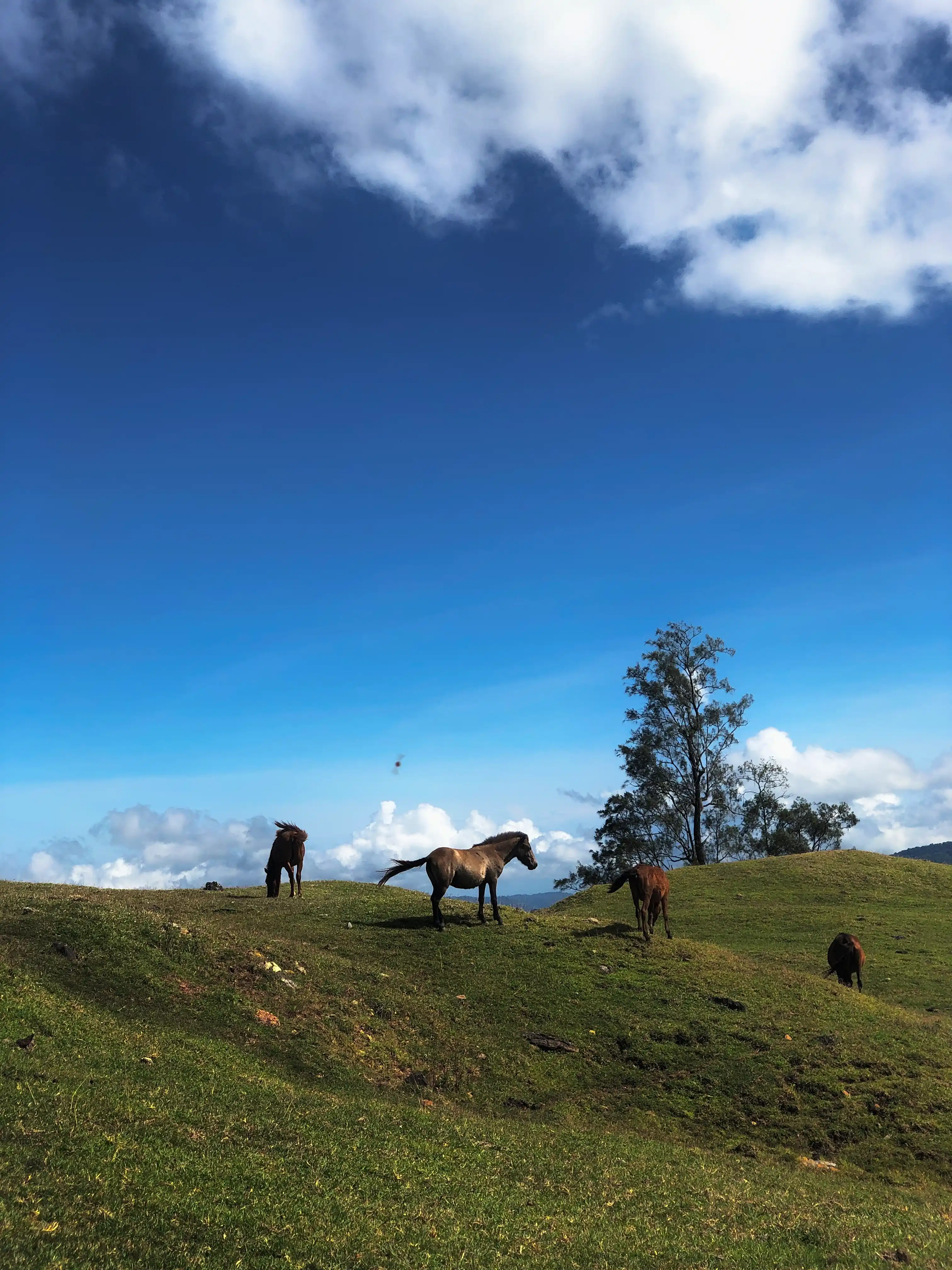
Original Image
3.8 MB
Optimized Image
655 KB
3.8 MB
655 KB
Quality setting is not available for PNG
Easily reduce image size and improve loading speed for websites, marketplaces, and social media without losing quality.
Drag & drop your image or click the upload button. Supports JPG, PNG, and WebP images up to 10MB.
Adjust image dimensions using presets or custom width and height to match your needs.
Select JPEG, PNG, or WebP and adjust compression quality to optimize the file size.
Download your optimized image instantly and use it for websites, social media, or online stores.
Image optimization is the process of reducing image file size while maintaining good visual quality. Optimized images load faster on websites, which improves user experience and helps websites perform better in search engines.
Large images can slow down websites and increase bandwidth usage. By compressing images or converting them to more efficient formats such as WebP or JPEG, you can significantly reduce loading time without noticeable quality loss.
Our Image Optimizer allows you to compress, resize, crop, and convert images easily. This makes it perfect for website owners, bloggers, designers, online stores, and anyone who wants faster-loading images.
Yes, our image optimizer is completely free. You can compress, resize, and convert images without creating an account.
Image compression slightly reduces file size by removing unnecessary data, but our tool is designed to maintain good visual quality while significantly reducing file size.
You can upload JPG, JPEG, PNG, and WebP images and convert them to different formats depending on your needs.
Optimized images load faster, improve user experience, reduce bandwidth usage, and can help improve SEO rankings in search engines.